
justin
Justin Soriano has a long history in video gaming, dating back to the times of the NES. As a versatile and flexible gamer, he has experience in playing different titles in various genres ranging from Action/Adventure to Soulsborne. This experience includes him playing titles from AAA franchises like Final Fantasy and Devil May Cry, to indie games like Terraria and Hollow Knight. Combining his gaming knowledge with years of developing his online content writing skills supplies him with the understanding to create guides, lists, and other helpful content for the gaming community.
Articles from this Author
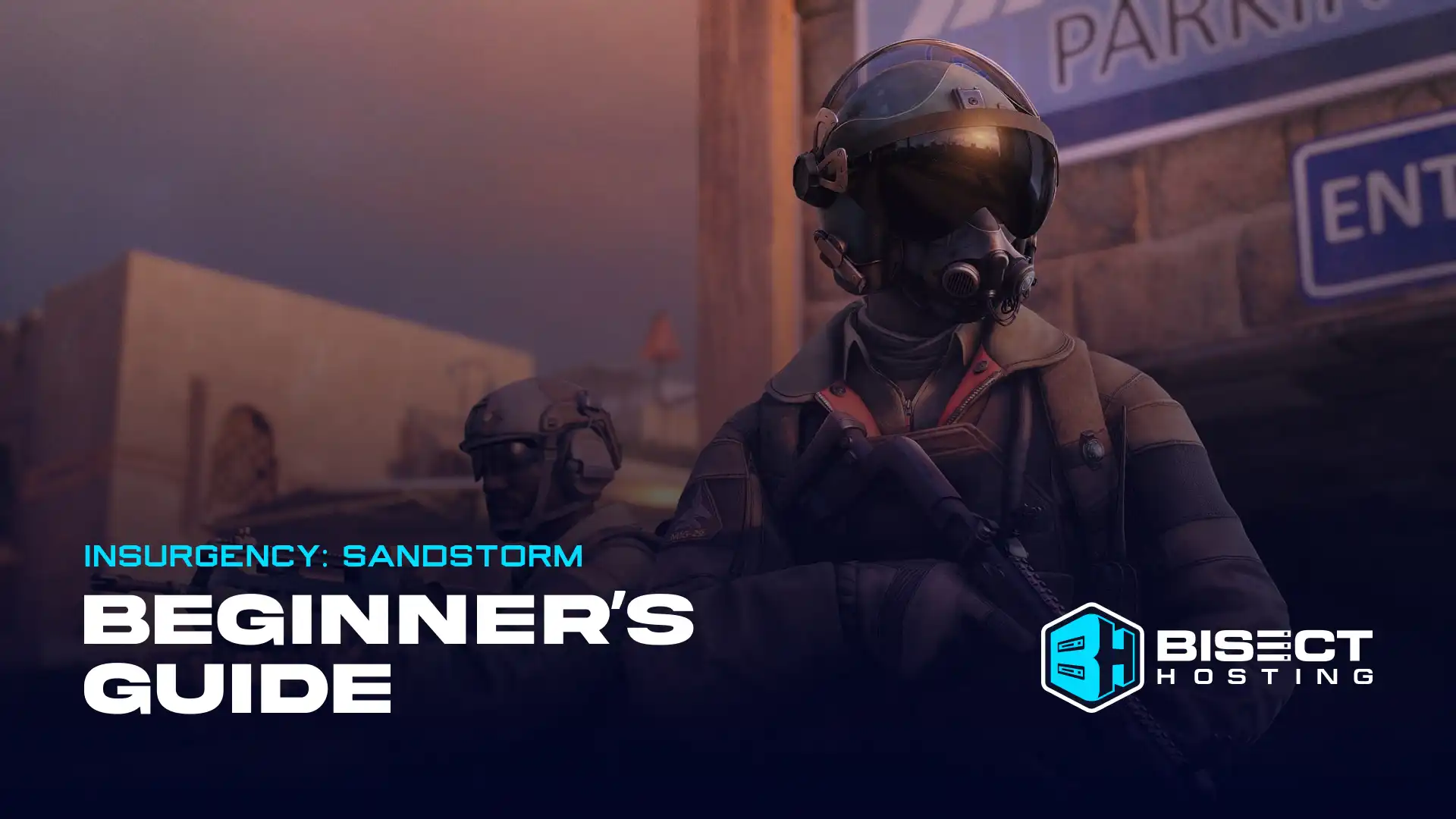
Insurgency: Sandstorm Beginner’s Guide - An Overview for New Players
New Insurgency: Sandstorm players can read this beginner's guide to familiarize this realistic shooter's features and systems, like its classes and weapons.
Posted on by justin

Satisfactory 1.0 Power Slugs Guide: Types, Total Count, & Where to Find Them
Over 1,000 Power Slugs exist in Satisfactory, and players can find Blue, Yellow, and Purple variants. Use Power Slugs to craft handy and portable Power Shards.
Posted on by justin
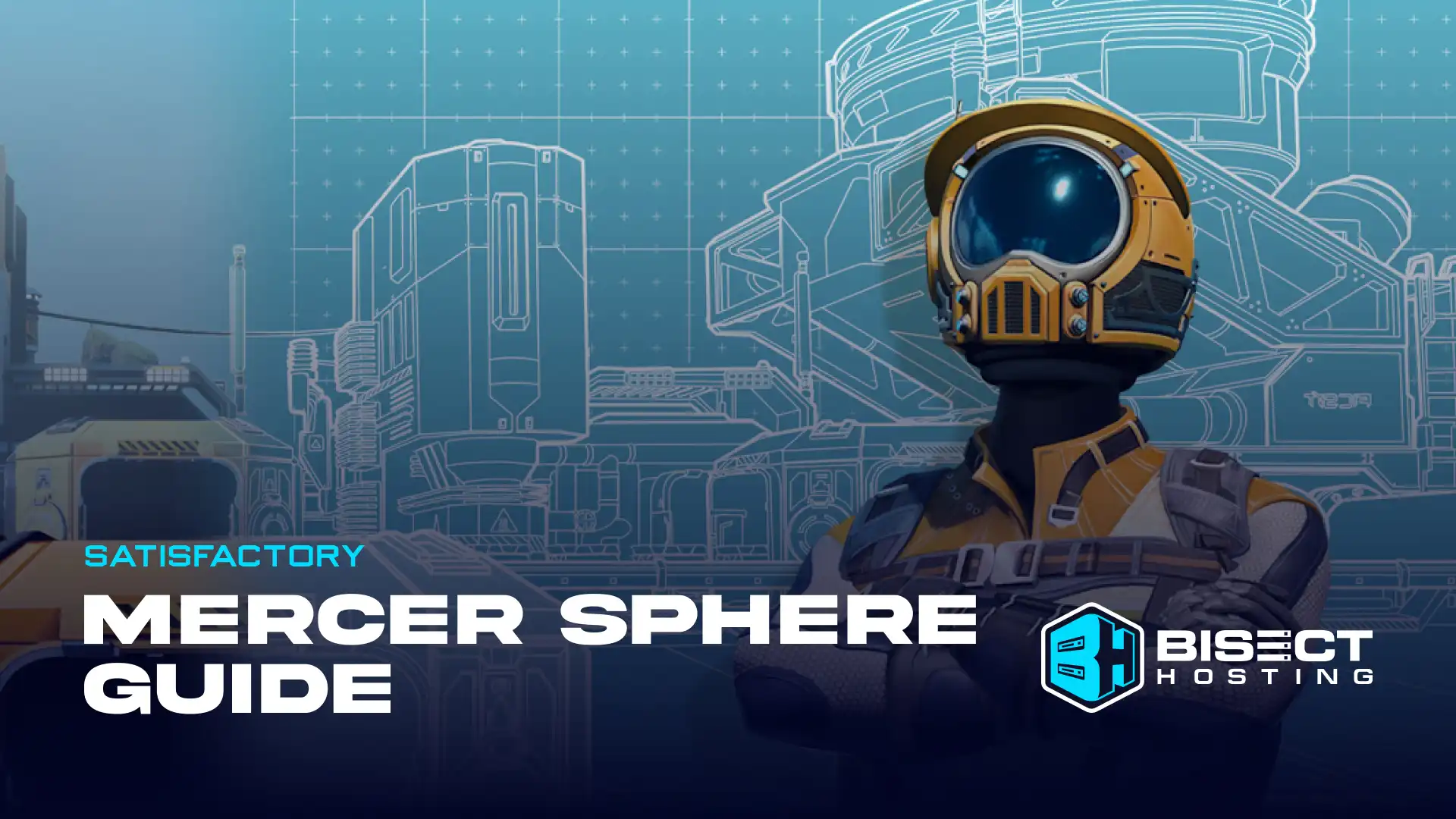
Satisfactory Mercer Spheres Guide: Locations, Crafting Recipes, & More
As of Update 1.0, 298 Mercer Spheres exist in Satisfactory, and Pioneers can find these alien artifacts in and around different biomes, like the Lake Crater.
Posted on by justin

Farming Simulator 25: Release Date, New Features, Trailer, & More
Farming Simulator 25 will be released on November 2024. Players will be able to enjoy new content and features, such as new animals and weather conditions.
Posted on by justin
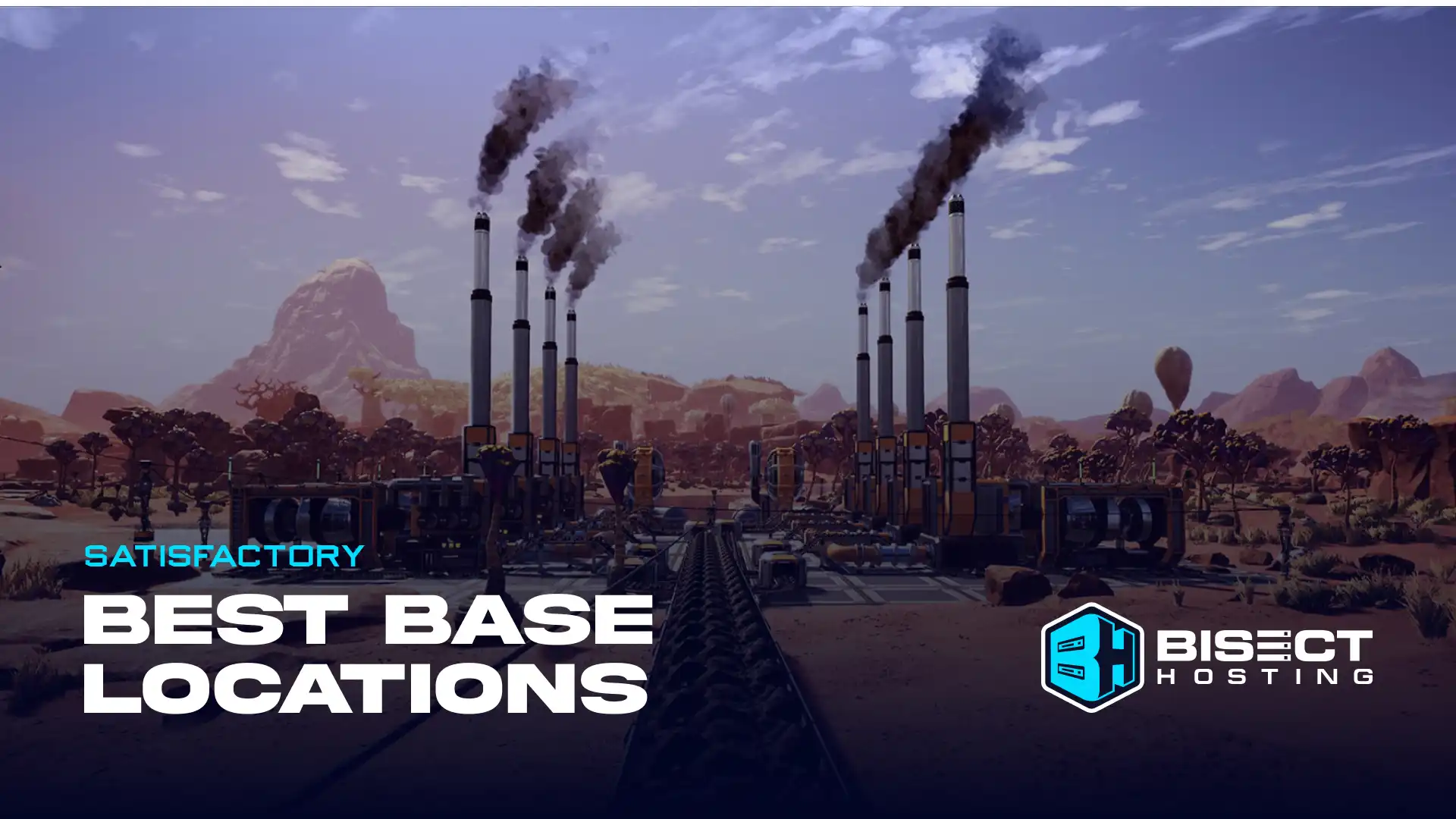
Satisfactory: Best Base Locations in Update 1.0
Pioneers can select from excellent choices as their best base locations in Satisfactory Update 1.0, including biomes like the Grass Fields and Rocky Desert.
Posted on by justin
Operation: Harsh Doorstop Dedicated Server Hosting Now Available with BisectHosting
Immerse in realistic combat warfare with Operation: Harsh Doorstop Dedicated Server hosting services from BisectHosting, complete with various server features.
Posted on by justin