(Estimated Read Time: 3 Minutes)
Sometimes, when
Microsoft server issues arise, Java Edition players may find they can’t play Minecraft even in single-player offline. So, today, we explore how to play Minecraft Java Edition offline so that the game can be enjoyed anytime.
Microsoft Servers and Minecraft Java Edition

On the rare occasions there are troubles with Microsoft’s servers,
Minecraft Java Edition players may find themselves stuck in the Minecraft launcher, unable to launch the game. This occurs because the systems that would normally verify the account in use can’t be accessed by the launcher.
At first glance, there may appear to be no workaround for this error. However, there is one way to still access single-player.
How to Play Minecraft Java Edition Offline
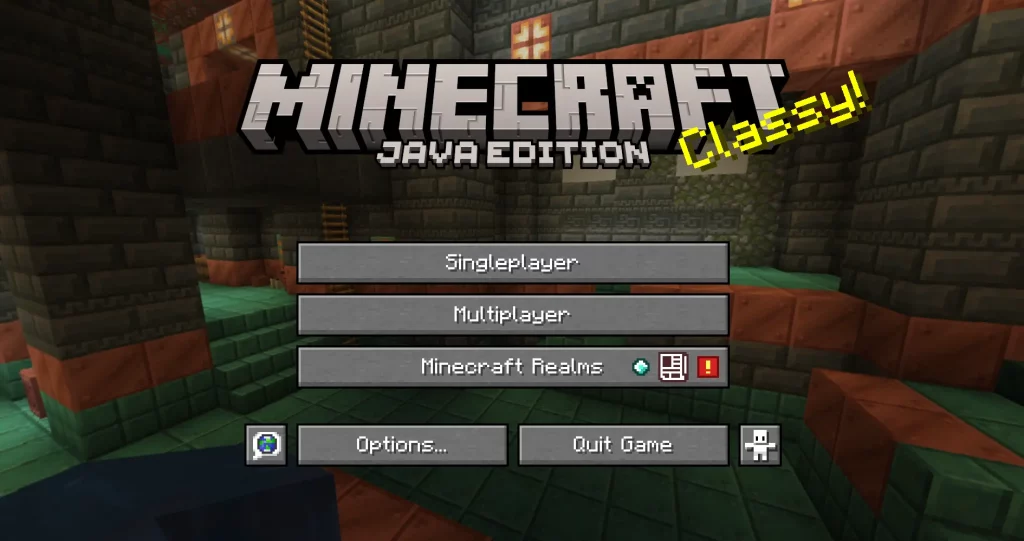
Minecraft
Java Edition players can access single-player offline by turning off their internet or disconnecting the internet from their PC. The launcher will then allow the user to continue offline as long as a successful login has been made at least once before.
Can Realms and Private Servers Be Accessed Offline?
Sadly, realms and private servers are inaccessible until the troubles surrounding logins have passed. Typically, updates will be provided by the Mojang Status X (formally Twitter) account during these times, including notice of when the issue has been resolved. Mojang Status can be found
here.
Alternative Survival Games

While by no means ideal, sometimes temporarily switching to
another game can be a much less frustrating way to wait out the downtime. Below, we have listed a few of our favorite multiplayer survival games that are best enjoyed alongside friends:
Looking for a private Game server to go with the games above? We here at BisectHosting offer affordable options for just that! Your game server is only
a few steps away.
 responseOkayLabel
 responsePerfectLabel
 responseLovedLabel